Introduction
The QR Code Menu for Restaurants has become an important part of modern dining. Restaurants across the world are adopting digital menus to simplify operations, reduce costs, and improve the guest experience.
Instead of waiting for a printed menu, customers simply scan a QR code with their smartphone and instantly access the restaurant's menu. They can browse dishes, view photos, read descriptions, and sometimes even place orders directly from their phone.
For restaurant owners, QR menus offer practical benefits. They allow instant menu updates, reduce printing costs, and improve order accuracy. In an industry where efficiency and speed matter, digital menus provide a simple but powerful solution.
This guide explains everything you need to know about QR code menus, including how they work, their benefits, and how to implement one in your restaurant.
What Is a QR Code Menu for Restaurants?
A QR Code Menu for Restaurants is a digital menu that customers access by scanning a QR code using their smartphone camera.
Once scanned, the QR code opens a webpage displaying the restaurant's menu. Guests can browse dishes, drinks, prices, and descriptions directly on their phone.
Unlike traditional mobile apps, QR menus usually work in the phone's browser. This means customers do not need to download anything.
How QR Menus Work
The process is simple.
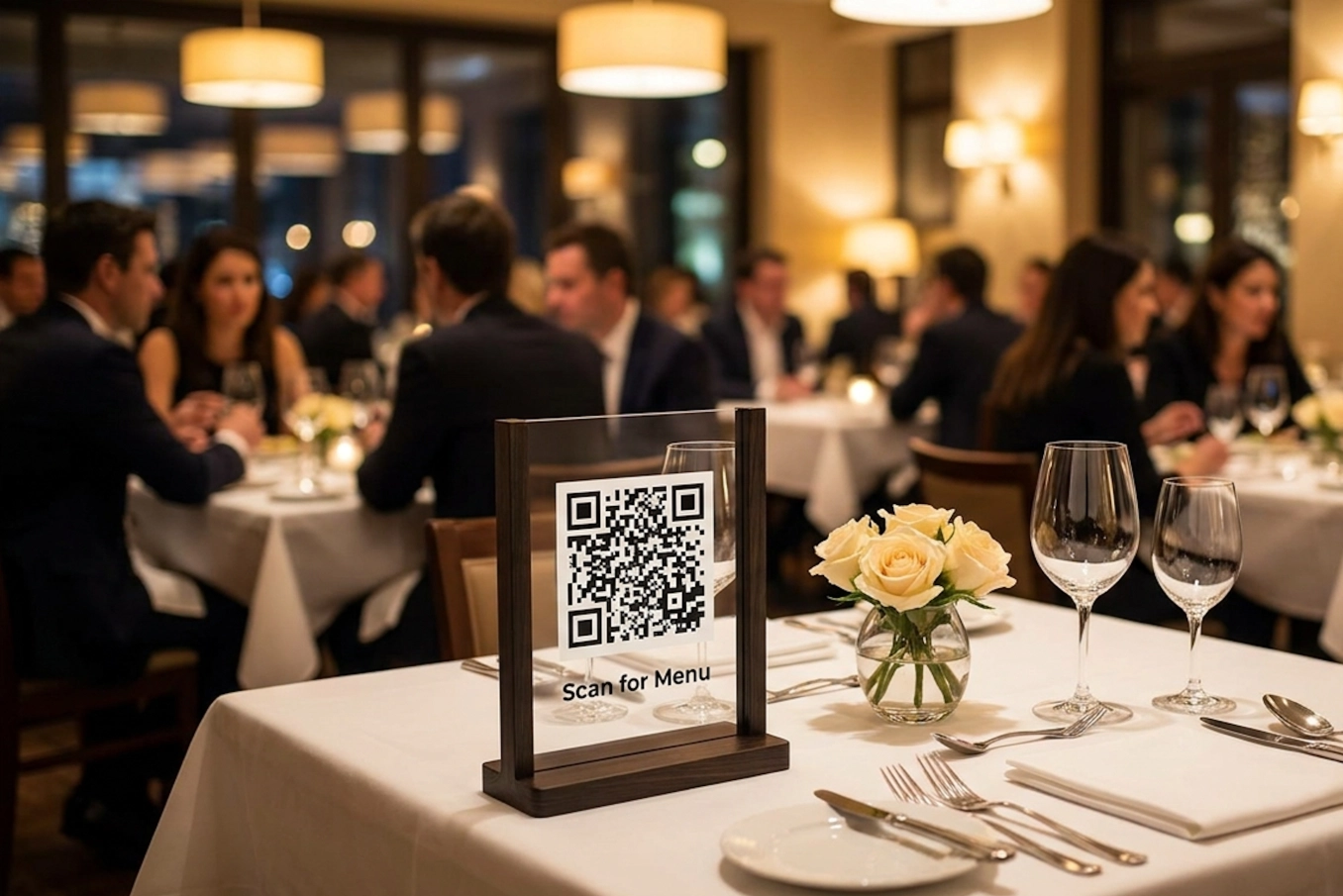
A QR code is placed on tables or visible areas in the restaurant.
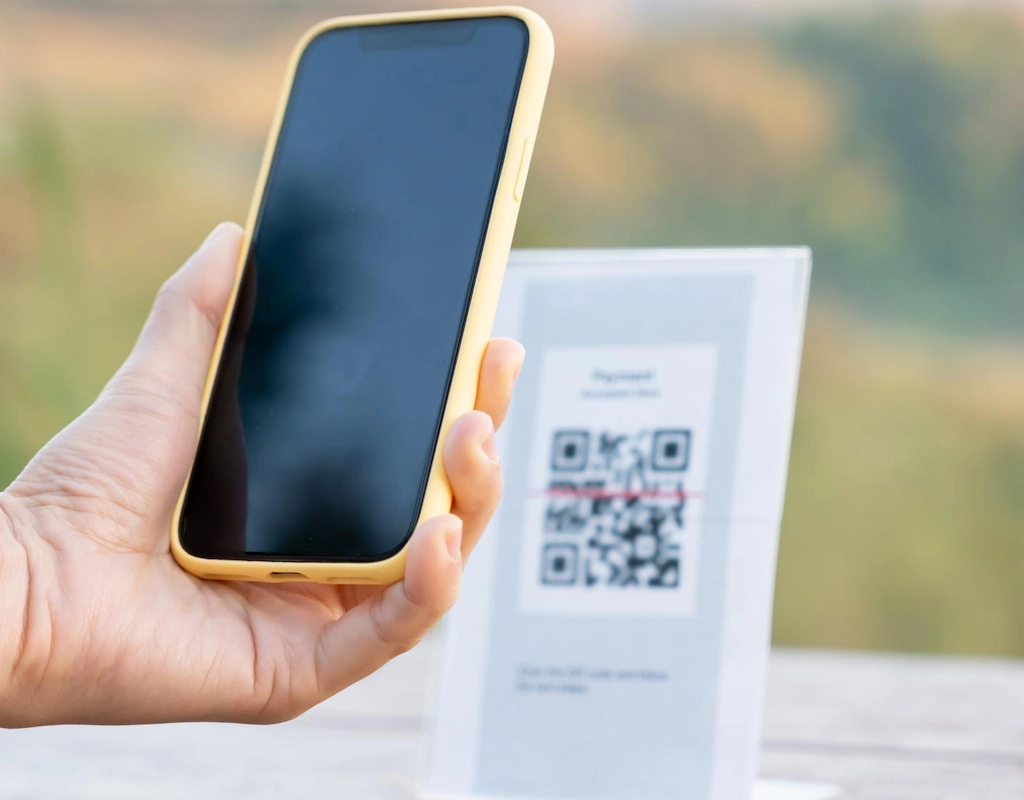
Customers scan the QR code with their phone camera.
The digital menu opens instantly.
Guests browse the menu.
In some systems they can order or call a waiter.
Because the system is simple and intuitive, most guests quickly adapt to using it.
Why Restaurants Are Switching to QR Code Menus
Restaurants are adopting QR menus because they solve several everyday challenges.
Instant Access to the Menu
Customers can view the menu immediately after sitting down instead of waiting for a waiter to bring printed menus.
This speeds up service and improves the dining experience.
Reduced Staff Workload
Staff shortages are a growing challenge in the hospitality industry. QR menus allow guests to browse menus themselves, reducing the workload for waiters.
Staff can spend more time helping customers rather than distributing menus.
Lower Printing Costs
Restaurants frequently change prices or menu items. Printed menus can quickly become outdated. This is one of the key reasons why restaurants are shifting from paper to digital menus. If you're still deciding, here’s a full breakdown of digital menu vs paper menu for restaurants.
Digital menus can be updated instantly without printing new copies.
Improved Order Accuracy
When customers place orders digitally, communication mistakes are reduced. Orders are sent directly to the system instead of being written down.
Try Oto in Your Restaurant
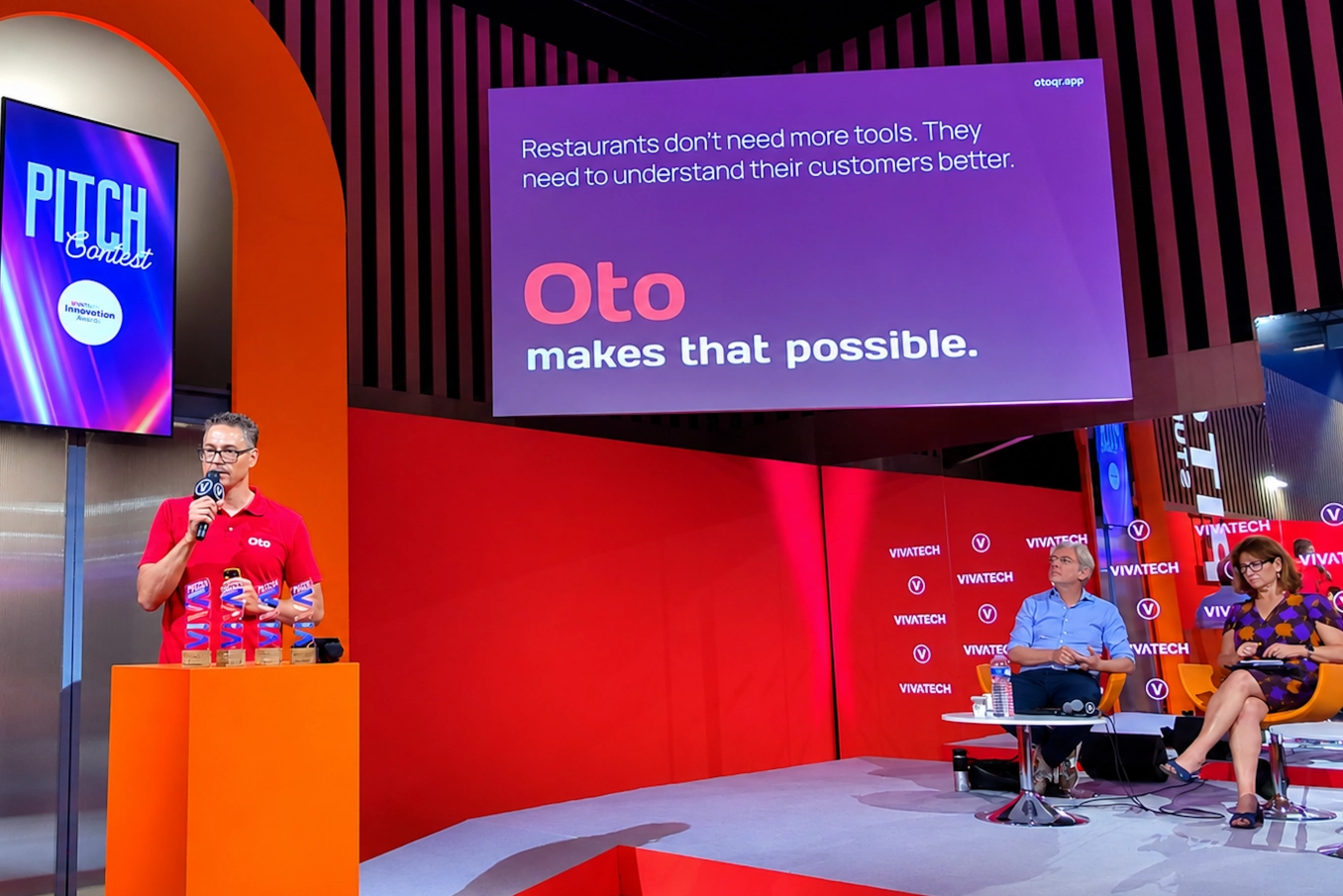
If you want to introduce a QR menu quickly, platforms like Oto allow restaurants to create a digital menu in just a few minutes.
With Oto you can:
• QR menu in 5 minutes
• Instant waiter call
• No app required
Key Benefits of QR Code Menus
QR menus provide advantages for both restaurants and customers.
Better Customer Experience
Digital menus allow guests to browse dishes at their own pace. They can explore options, read descriptions, and check ingredients.
Some digital menus also provide:
allergen information
dietary labels
wine pairings
recommended dishes
This helps guests make better choices.
Faster Table Turnover
When customers access menus immediately and place orders faster, restaurants can serve more guests during busy hours.
Faster service means higher efficiency and increased revenue.
Instant Menu Updates
Restaurant owners can update menus instantly by changing:
prices
dish availability
daily specials
seasonal items
These changes appear immediately on the digital menu.
Better Upselling Opportunities
Digital menus make it easy to highlight:
popular dishes
chef recommendations
desserts
drinks
This encourages customers to add more items to their order.
Types of QR Code Menu Systems
Not all QR menus work the same way. Some are simple viewing tools while others offer advanced features.
View Only QR Menus
These menus allow customers to browse the menu digitally but still order through a waiter.
This is the simplest type of QR menu.
QR Ordering Systems
More advanced systems allow customers to interact with the menu.
Guests can:
place orders
customize dishes
call a waiter
pay through their phone
These systems help restaurants operate more efficiently.
How to Set Up a QR Code Menu in Your Restaurant
Setting up a QR menu is easier than many restaurant owners expect.
Step 1: Choose a Digital Menu Platform
Select a platform that allows you to easily create and manage your digital menu.
Look for features such as:
simple menu editing
QR code generation
mobile friendly design
order management tools
Step 2: Upload Your Menu
Add your dishes with details such as:
name
description
price
photos
Food images often increase customer engagement and sales.
Step 3: Generate and Print QR Codes
The platform will generate a QR code linked to your menu.
Print the code and place it in visible areas such as:
tables
table stands
entrance areas
receipts
Step 4: Train Your Staff
Staff should understand how the QR menu works so they can assist guests if needed.
A short explanation from a waiter can encourage customers to use the system.
Step 5: Encourage Guests to Use It
Restaurants often include simple instructions such as:
"Scan the QR code to view our menu."
Clear instructions help customers feel comfortable using the technology.
See How a QR Menu Works in Practice
Many restaurant owners think digital menus are difficult to implement. In reality, they can be set up very quickly.
With Oto, you can:
• Upload your menu in minutes
• Generate QR codes for each table
• Let guests browse your menu instantly
Common Mistakes Restaurants Make with QR Menus
Even good technology can fail if implemented poorly.
No Instructions for Guests
Not every customer is familiar with QR codes. Simple instructions can greatly improve adoption.
Poor Menu Design
A cluttered digital menu can frustrate users. Menus should be simple and easy to navigate.
No Photos of Dishes
Food images can influence customer decisions. Restaurants that include photos often see higher engagement.
The Future of Digital Restaurant Menus
Technology continues to shape the restaurant industry.
Digital menus are evolving with features such as:
personalized recommendations
multilingual menus for international guests
integration with POS systems
contactless payments
As restaurants continue adopting digital tools, QR menus are becoming a standard feature in modern dining.
Frequently Asked Questions
What is a QR code menu?
A QR code menu is a digital restaurant menu that customers access by scanning a QR code with their smartphone.
Do customers need to download an app to use QR menus?
No. Most QR menus open directly in a web browser.
Are QR menus expensive for restaurants?
Many digital menu platforms are affordable, and some offer free plans with basic features.
Can customers order through QR menus?
Yes. Some systems allow customers to place orders and even pay directly from their phone.
Do QR menus replace waiters?
No. QR menus support waiters by reducing repetitive tasks so they can focus on service.
Are QR menus better than paper menus?
QR menus provide advantages such as instant updates, lower printing costs, and faster service.
Conclusion
The QR Code Menu for Restaurants is a powerful tool that helps restaurants operate more efficiently while improving the customer experience.
By giving guests instant access to the menu and allowing restaurants to update items easily, QR menus simplify many everyday operations.
Restaurants that adopt digital solutions often benefit from faster service, reduced costs, and improved order accuracy.
Ready to Try a QR Code Menu in Your Restaurant?
Digital menus are becoming a standard part of modern dining.
If you want to try a QR Code Menu for Restaurants in your own venue, you can start in just a few minutes.
Try Oto in your restaurant
• QR menu in 5 minutes
• Instant waiter call
• No app required