

One evening at table 5
From the first scan to the tip, here’s what your guests do with Oto, and what your team sees.
-
01 · They sit down
A scan, and the menu speaks their language
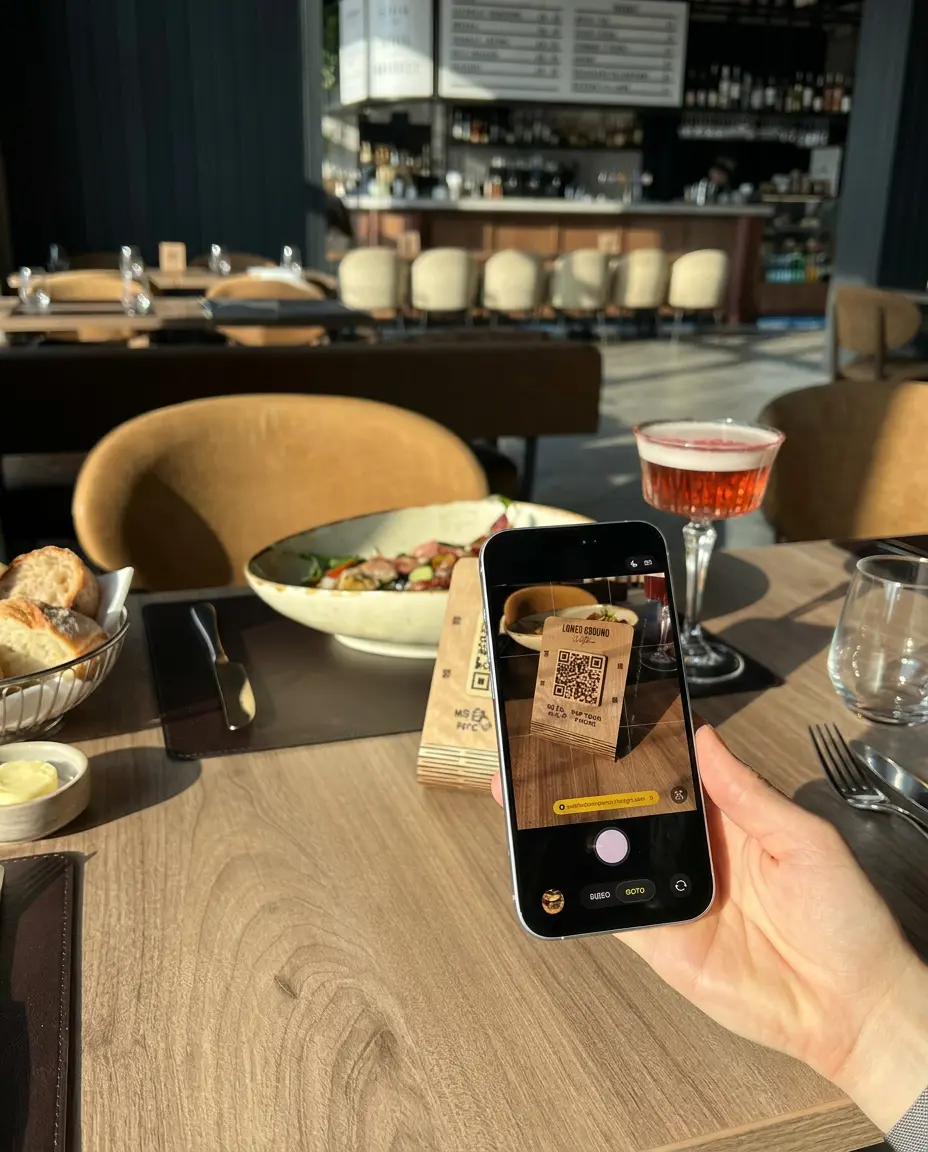
Every table has its own QR code. Guests scan it and your menu opens in the phone’s browser, already linked to their table. Tourists switch to their own language with one tap: dishes, ingredients and allergens are all translated.
- No app, no sign-up
- Up to 15 menu languages
- Orders and calls arrive with the table number
-
02 · They browse
Every question answered before they ask
Big photos, portion sizes and prices, ingredients, allergens with clear icons and nutrition facts. Labels like Vegan or Spicy, and filters you define, such as Keto or Halal, help each guest find their dish. Choose photo cards for the food and a clean text list for the wine.
- 15 allergens with icons
- Several sizes per dish, each with its price
- 8 themes to match your place
-
03 · They order
Your menu suggests the next dish
You pick what goes well with each dish: fries with the burger, a dessert with the coffee. Guests see your suggestions on the dish and in the basket, add paid extras like cheese or bacon, and tap promo banners straight through to the dish. The average bill grows, with no pushy selling.
- Suggestions you choose, per dish
- Free or paid extras
- Promo banners that open the dish
-
04 · They need something
Order, call and pay without waving
The order goes straight to the waiter serving the table, as a push notification in the Oto Waiter app. The waiter confirms it, and the kitchen or bar gets it. Guests call the waiter with one tap and ask for the bill, choosing cash or card, so the waiter comes with the terminal or the change.
- The waiter confirms before the kitchen cooks
- New rounds go on the same bill
- Ordering can be turned off per table
-
05 · They leave
A tip for the waiter, a word for you
After the bill, guests can tip the waiter who served them, straight to the waiter’s own PayPal, Revolut or MIA link, and rate the food, service and atmosphere. Happy guests are invited to post on Google; unhappy ones tell you privately.
- Tips go to the waiter, not through Oto
- Ratings for food, service and atmosphere