Knowledge Base

Learn how to use Oto with step-by-step guides, tutorials, and best practices.
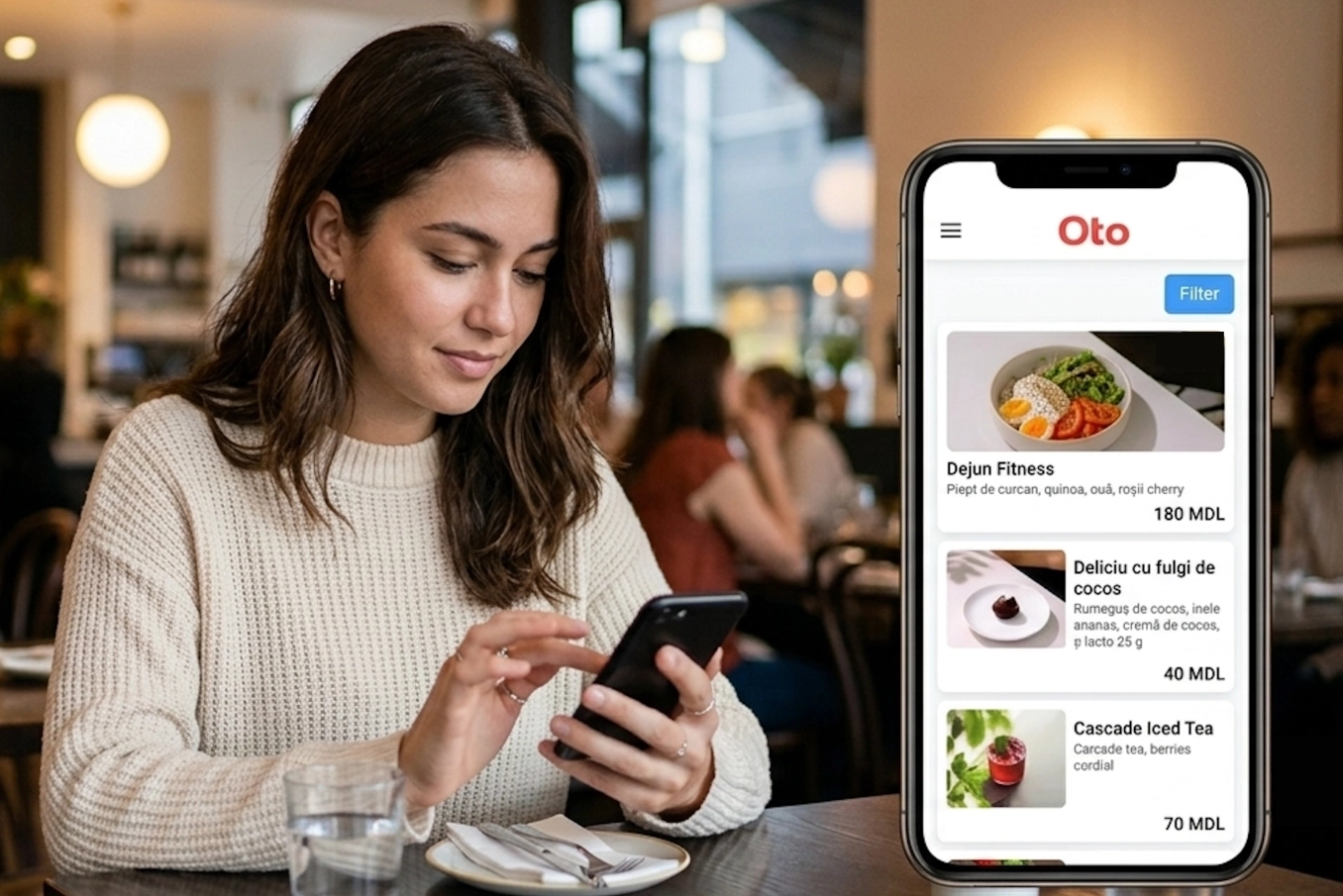
Lesson 2. How to master your menu items
Lesson 2. How to master your menu items Welcome to the guide for adding your delicious dishes and drinks to the system! This article will walk you through creating a new menu item, configuring all the automatic properties, and learning to manage the display order of items on your menu. Read more
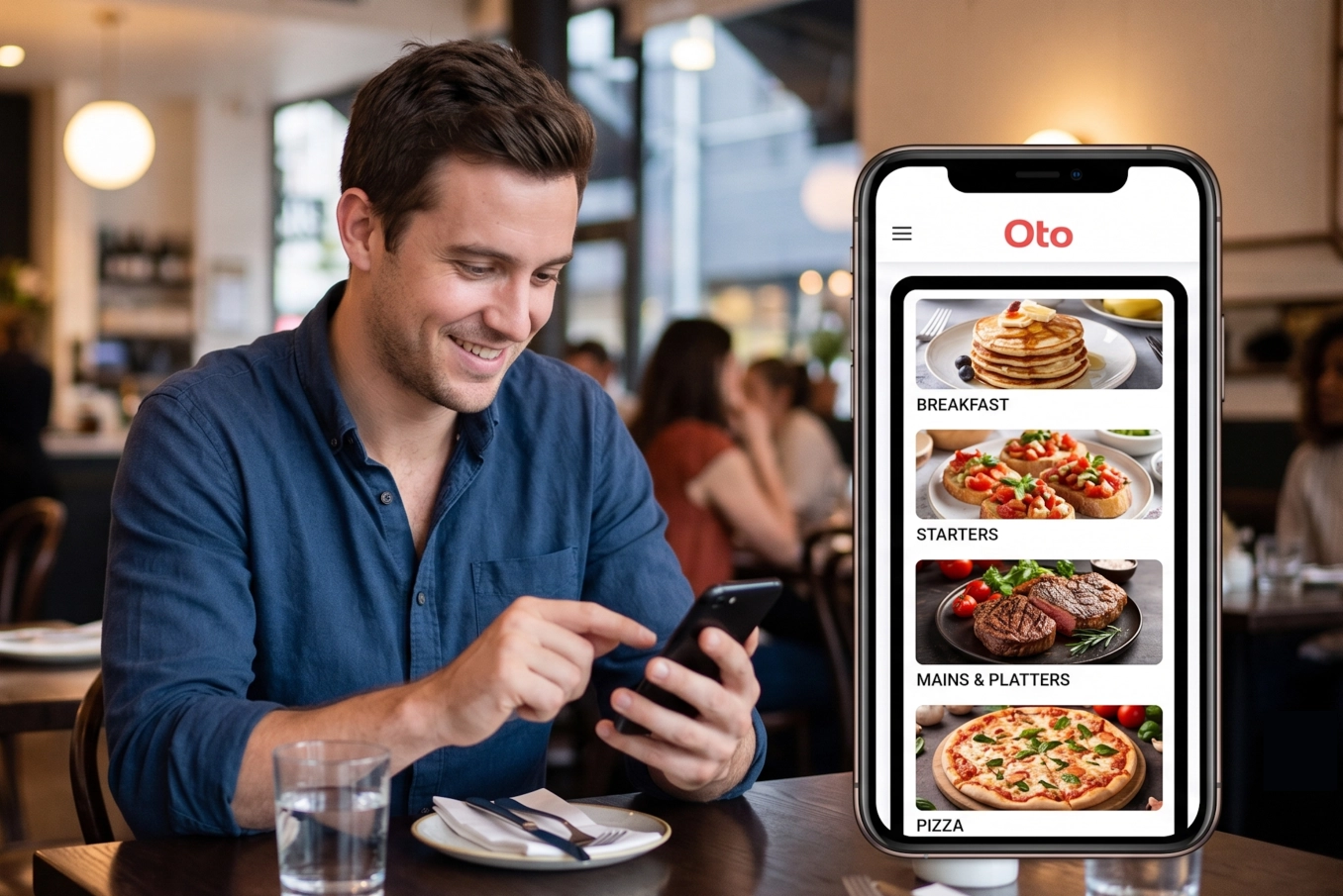
Lesson 1. How to structure your menu with categories and subcategories
Lesson 1. How to structure your menu with categories and subcategories Structuring your digital menu efficiently helps your guests browse effortlessly and decide what to order faster. Here is how to create major categories, nest subcategories, and rearrange your layout in Oto. Read more
Oto QR logo
Your One-Tap-Order solution for your business
Platform
Home Solutions Pricing Blog Use Cases Knowledge Base Oto waiter
Legal
Terms and conditions Privacy Policy Cookies Policy
Contacts
Stay up to date
Review us on Trustpilot

© 2026 Oto QR. All rights reserved.
+37378118532, +40746273621 [email protected]
Visa logo MasterCard logo