A full table can still hide a missed opportunity
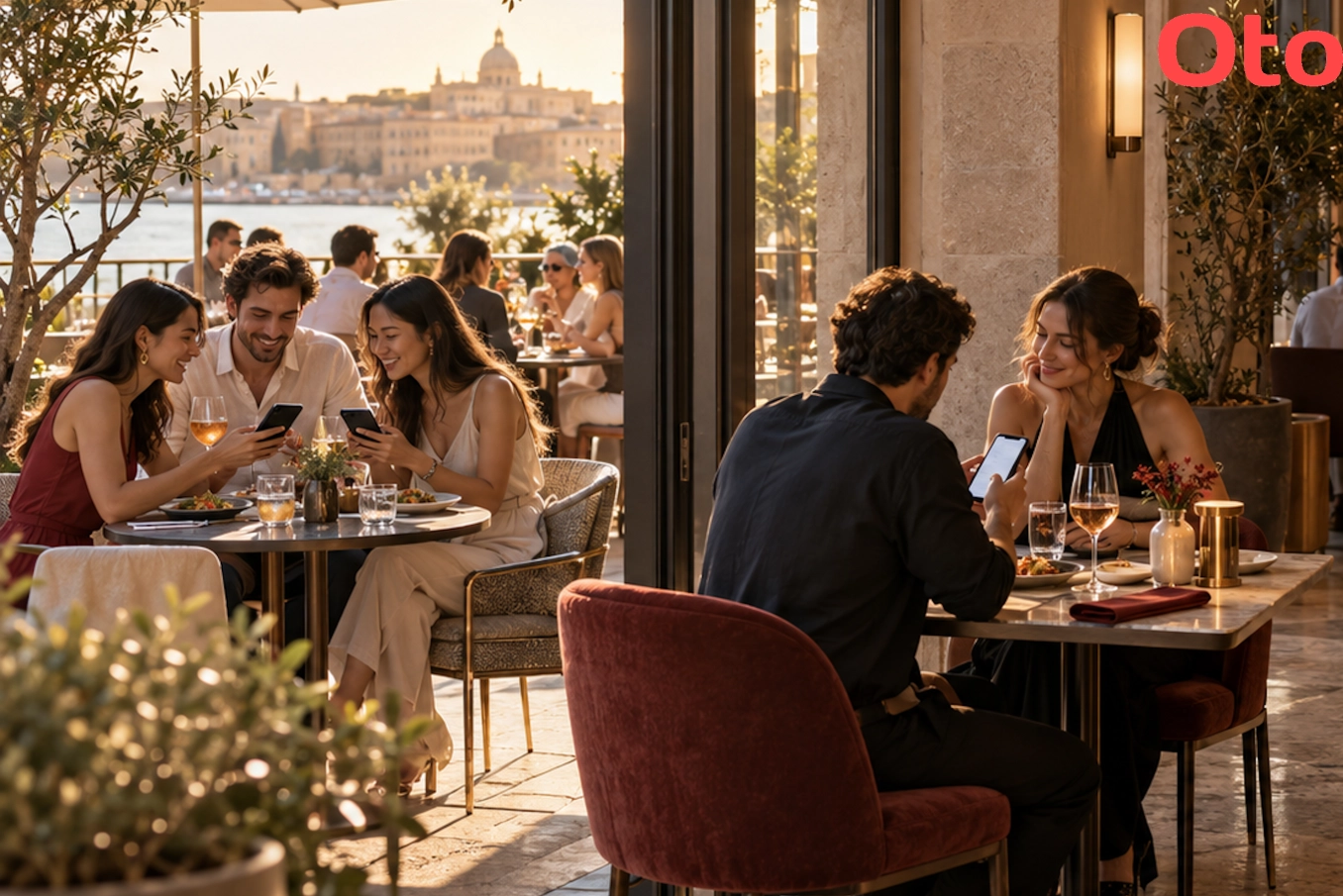
That small scene is hypothetical. But it gives you a practical way to investigate a question that restaurant-wide figures cannot answer: does every table give guests an equally good opportunity to discover what you serve?
A table can be occupied and still deserve closer attention. Perhaps guests rarely open the digital menu. Perhaps they view only a few dishes. Perhaps actual orders are consistently lower than at comparable tables.
Call these areas potential “dead zones”: tables where weaker menu engagement and lower ordering repeatedly appear together.
The word potential matters. A short menu visit does not automatically mean lost interest. Regulars may already know their order. A group may share one phone. Someone may prefer a recommendation from the waiter.
The data tells you where to look. It does not, by itself, tell you what is wrong.
Find the pattern before fixing the table
To compare digital-menu behaviour between tables, you first need a reliable way to associate visits with their location, such as correctly assigned table-specific QR codes.
Where your tracking supports it, examine several signals together:
Menu visits: Do guests open the menu?
Browsing time: How much time do they spend exploring?
Dish views: Do they look at individual items?
Cart additions: Do they select products, where this feature is used?
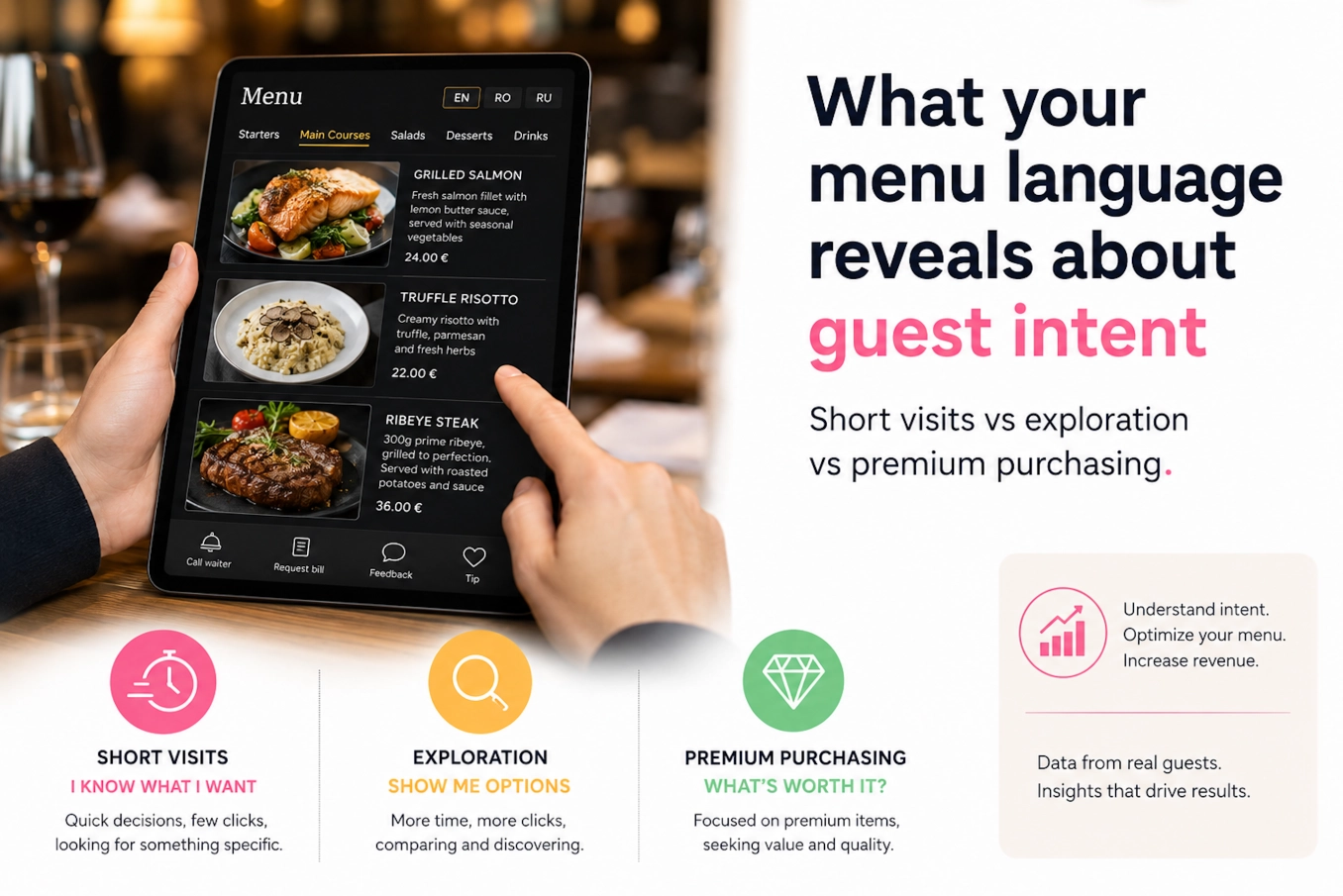
These signals describe different parts of the experience. Few menu visits suggest a different investigation from plenty of visits followed by little exploration.
Cart additions can suggest ordering interest, but they are not confirmed purchases. Check actual order records before concluding that a table generates fewer orders or less revenue.
And compare fairly. A table occupied once by two guests should not produce the same activity as one used three times by groups of four. Compare similar service periods, account for occupancy and party size, and examine orders or spending per guest where possible.
Look for a recurring pattern across comparable shifts, rather than reacting to one quiet evening.
Give the table the chair test
Once a table stands out, visit it during the service period when the pattern occurs.
Sit down. Find the QR code. Scan it. Open a dish. Look up and try to catch a waiter’s attention.
Notice what you have to move, adjust, wait for or ask about.
This simple exercise connects the numbers to the guest’s experience. It also gives you a list of specific improvements to test.
Eight things to improve at tables with weaker engagement
1. Give the table enough light
Check whether guests can easily see the QR code and read its instructions. Test this during evening service, when lighting may be very different from the afternoon.
Adjust nearby lighting if needed. Check for reflections on glossy QR holders and avoid directing a bright light into guests’ eyes.
The aim is comfortable visibility that fits the atmosphere.
2. Put the QR code where guests can find it
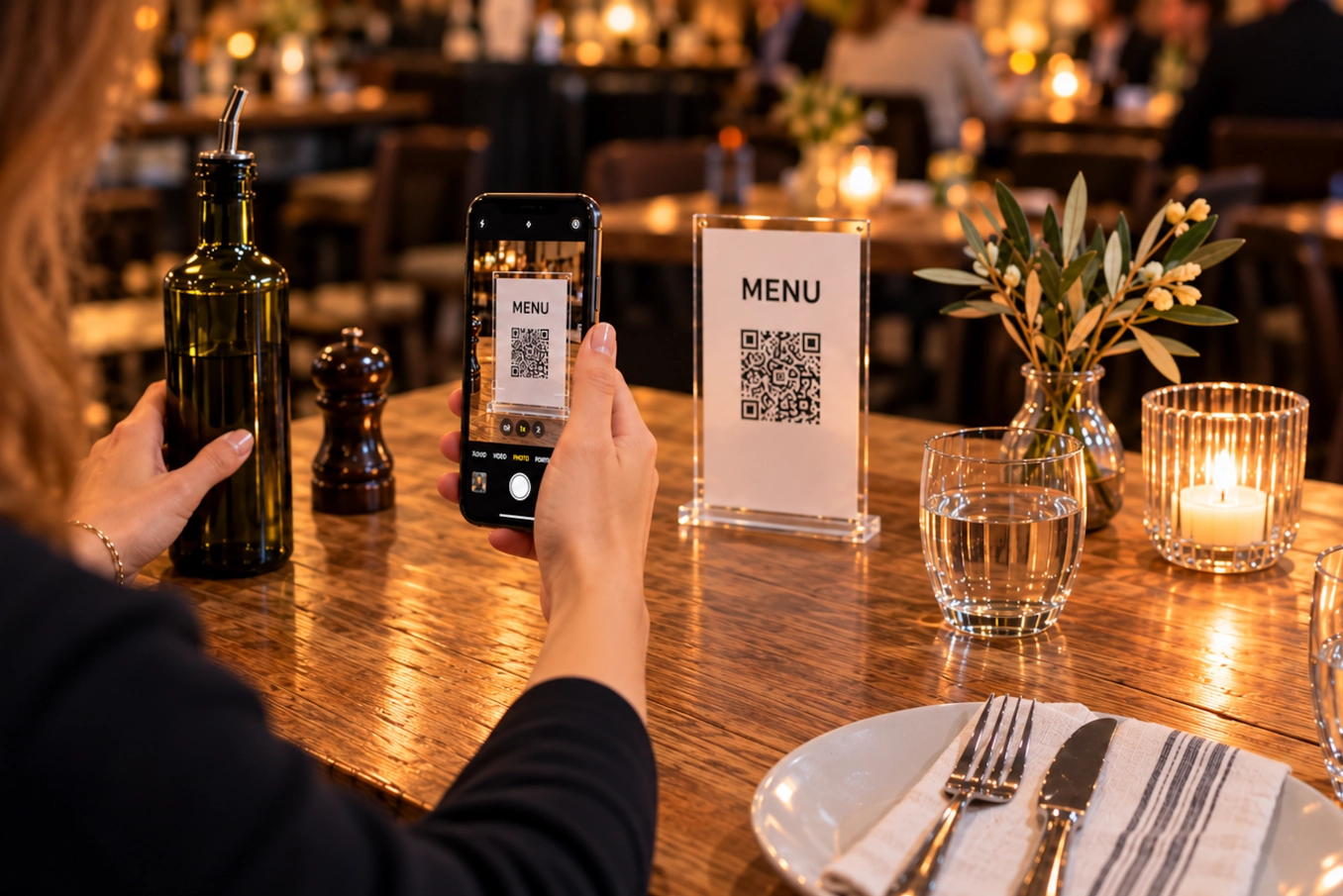
A code behind the olive oil is technically present. It is also easy to miss.
Place it somewhere visible from the seated position, clear of flowers, napkins and promotional materials. Check its orientation from each seat.
For larger tables, consider whether a second code would make access easier. Guests should not have to reach across someone’s dinner to open the menu.
3. Make scanning effortless
Test the actual printed code, not just the original image on your computer.
Look for fading, scratches, folds, reflections or a print size that makes scanning awkward. Try different phones and scan from a comfortable seated distance.
Also confirm that the code opens the correct menu. If you use table-specific codes, check that the holders have not been moved between tables. Incorrect placement can distort the very comparison you are using to identify problems.
4. Explain what the code does
A QR code alone leaves the guest to interpret it. Does it open the menu, request feedback or start a payment?
Use a short, direct instruction: “Scan to view the menu.”
The waiter’s introduction should make the process equally clear. A brief “You can find the menu here, and I’m happy to help” gives guests direction without turning the welcome into a demonstration.
Keep an accessible alternative for guests who cannot or prefer not to use their phones.
5. Check that the menu loads from that seat
Scan the code and browse using mobile data and guest Wi-Fi, if available.
Does the menu open reliably? Do dish photographs load? Can you move between categories without getting stuck?
If something fails, investigate whether the issue comes from connectivity, the page or the device. Avoid interpreting a technical obstacle as a lack of appetite.
6. Review the table’s service experience
Observe when guests receive their first greeting, how they get help and whether they have a clear opportunity to order again.
A table behind a partition may be harder for staff to see. A seating area between two service sections may have unclear ownership.
Check sightlines, section responsibilities and check-in timing. Treat the pattern as a question about the service setup before attributing it to an individual waiter.
7. Look for discomfort and distractions
Stay seated long enough to notice the surroundings.
Is there a draught? A speaker directly overhead? Glare from a window? A steady stream of people brushing past the chairs?
These are possible explanations to investigate, not facts you can infer from menu activity. Staff observations and a neutral guest question, such as “Is everything comfortable at your table?”, can provide useful context.
8. Match the improvement to where interest drops
If few guests open the menu, start with visibility, scanning and the welcome.
If guests open it but barely explore, check navigation and whether they can quickly find relevant dishes and information.
If guests browse actively but actual ordering remains lower, investigate other explanations: unavailable items, service timing, prices or the needs of the guests seated there.
A discount should not be the automatic response to a QR code nobody can see.
Change one thing and watch what happens
Suppose you discover that a table’s QR code is routinely hidden behind the condiments. Move it first.
Then compare similar service periods. Did menu visits increase? Did guests explore more dishes? Did actual ordering change?
Record other relevant differences, such as occupancy, group size or an event that changed the usual crowd. A busy Saturday and a quiet Tuesday will not give you a clean comparison.
Changing one factor at a time makes the result easier to interpret. If you adjust the lighting, replace the QR holder, change the service routine and introduce a promotion together, you may improve performance without learning which change helped.
Also, resist making longer browsing your target. A clearer menu may help guests decide faster. The aim is to remove obstacles to discovering and ordering what they want.
Make the dining room part of your menu review
Menu performance depends on more than the dishes displayed on a screen. It also depends on whether guests can reach that screen comfortably, understand their options and get help when they need it.
Digital-menu behaviour gives you a starting point for investigating those conditions. Actual orders, staff observations and guest feedback help you interpret what you find.
Before deciding that a table simply “doesn’t sell”, sit in its chair. You may discover a problem you can fix before the next service.
Frequently asked questions
What is a restaurant dead zone?
In this article, a dead zone means a table or seating area where weaker menu engagement and lower actual ordering repeatedly appear together. It is a working description for investigation, not a diagnosis of the cause.
Does shorter browsing time mean weaker ordering intent?
No. Guests may decide quickly, share a phone or order directly with a waiter. Browsing time needs to be interpreted alongside other menu interactions and actual orders.
How can a restaurant identify tables with fewer menu views?
The restaurant needs a reliable way to associate menu visits with tables, such as correctly assigned table-specific QR codes. Comparisons should account for occupancy, party size and service period.
What should an operator improve first?
Start with an observable obstacle. Check lighting, QR visibility, scanning, menu loading and the welcome. Choose one clear issue, make an adjustment and compare similar service periods.
Can digital-menu analytics measure lost revenue?
Menu interactions alone cannot establish lost revenue. Actual sales records are needed to assess ordering and spending, and further investigation is needed to understand why differences occur.
How does OTO support this approach?
OTO helps restaurant and hotel operators understand guest behaviour through digital-menu interactions. Those signals can guide operational questions and improvements when considered alongside staff observations, guest feedback and actual order records.
Want to understand what happens before your guests place an order? Register for OTO and start exploring the behaviour behind their menu choices.