The Real Problem: Prices Change Faster Than Your Menu
Right now, restaurants are under constant pressure.
fuel prices keep rising
suppliers adjust costs frequently
logistics get more expensive
ingredient prices change almost weekly
You feel it every time you restock.
But your menu? It becomes outdated the moment it’s printed.
So what do most restaurants do?
They delay updates.
They “fix” prices manually.
They avoid reprinting because it’s expensive.
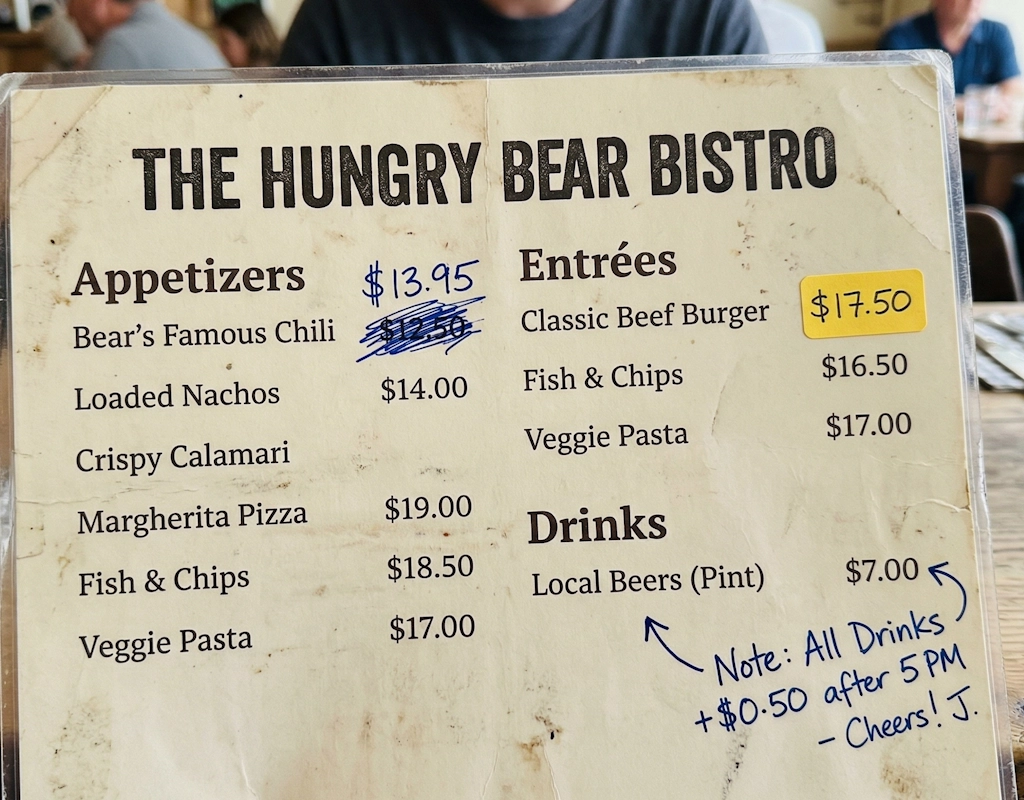
And that’s how menus slowly turn into patchwork.
The Hidden Cost of “Temporary Fixes”
At first, it feels like a smart move.
Why reprint everything just because a few prices changed?
But here’s what really happens:
your menu starts looking unprofessional
guests hesitate when ordering
staff wastes time explaining instead of selling
mistakes become more frequent
And in the end, you still reprint everything anyway.
So instead of saving money, you’re just postponing the cost… and damaging the guest experience in the meantime.
The Real Math Behind Printed Menus
Let’s run the numbers with a more realistic scenario:
one menu costs 10-25 EUR
average restaurant needs 40 to 60 menus
updates happen once every three months
That means per update:
400 – 1,500 EUR
Now multiply that by 4 (quarterly updates):
1,600 – 6,000 EUR per year
And remember, this is the minimum scenario. In reality, many restaurants update prices more often because costs don’t wait three months.
The Oto Solution: One Change. Instant Update Everywhere
With Oto, updating your menu is no longer a process. It’s a click.
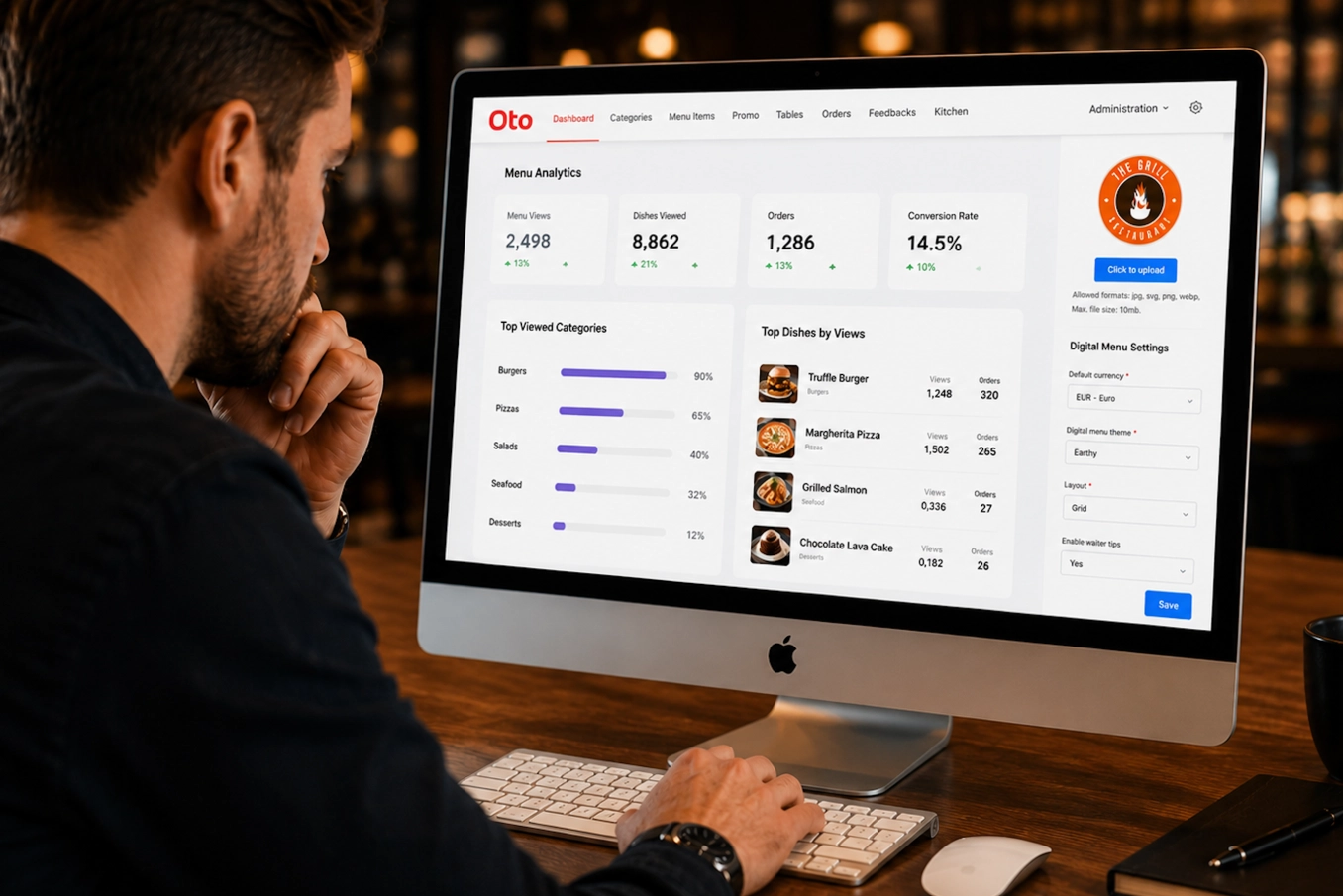
You log into your admin panel:
change the price
click save
Done.
The update goes live instantly:
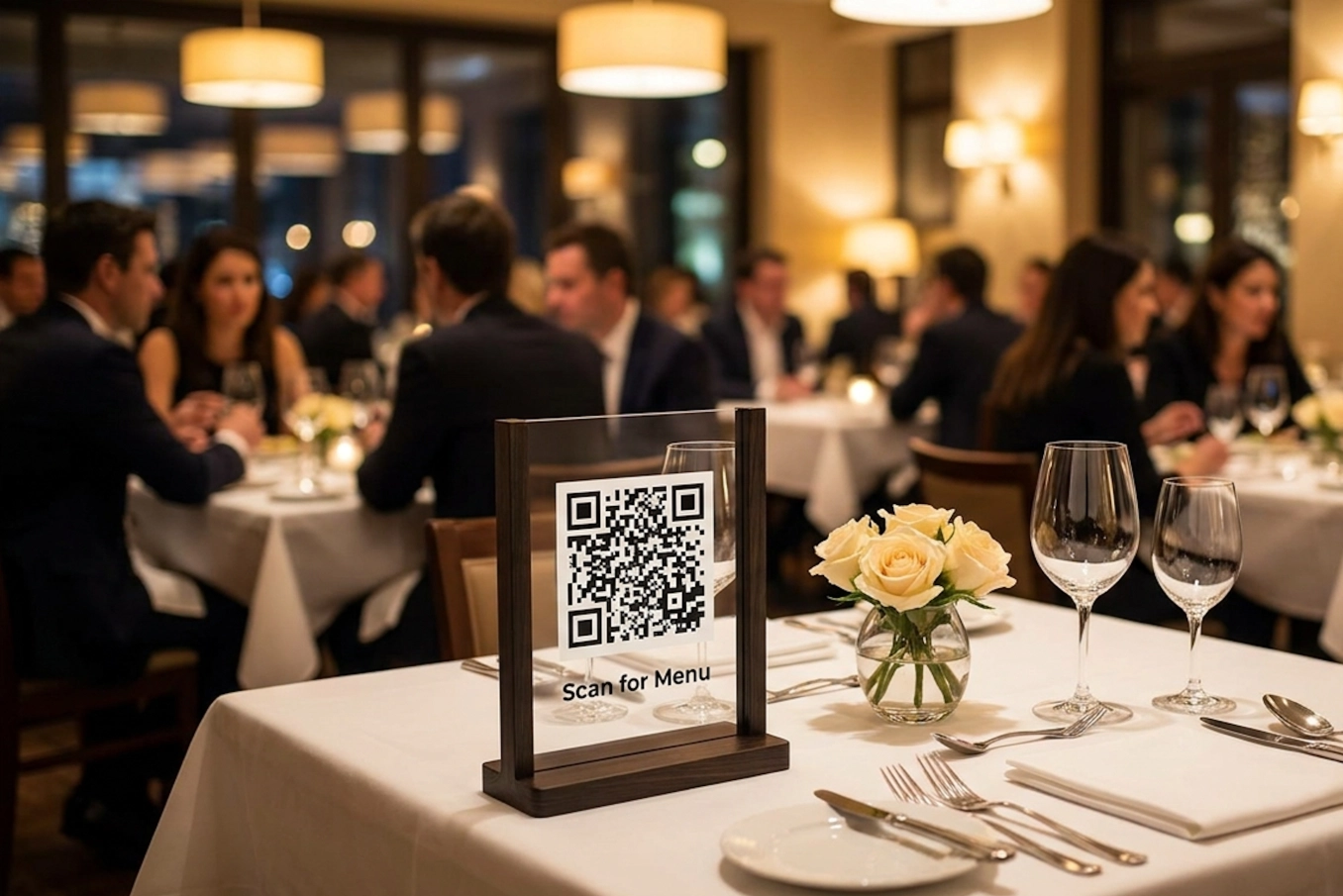
on QR menus at every table
on your social media links
on your pre-order menu
on every device your guests use
No printing. No delays. No confusion.
What You Actually Save With Oto
Let’s keep it simple.
Direct savings:
zero printing costs
zero redesign costs
zero logistics
Indirect savings:
fewer mistakes
fewer awkward conversations
faster updates
less stress for your team
And one key advantage:
You stop hesitating to adjust prices.
When costs change, you act immediately. Not next quarter.
From Constant Fixes to Full Control
Paper menus force you into delays and compromises.
Oto gives you flexibility.
You can:
adjust prices anytime
react instantly to supplier changes
test different pricing strategies
manage margins in real time
You’re no longer catching up with the market.
You’re keeping pace with it.
Guests Feel the Difference
Guests don’t analyze your systems.
But they feel when something isn’t right.
Outdated menus create friction.
Clear, accurate menus build confidence.
No explanations. No corrections. No second guesses.
Just a smooth experience from start to finish.
The Bottom Line
Menus with crossed-out prices and stickers might feel like a quick fix.
But they cost you more than you think:
money
time
trust
Restaurants using Oto don’t deal with this anymore.
They update prices in seconds.
They save tens of thousands every year.
They run cleaner, smoother operations.
Try Oto
If you’re tired of reprinting menus, fixing pricing mistakes, and constantly playing catch-up, it’s time to switch.
Start here:
https://otoqr.app/en/register
Set it up once. Update anytime. And forget about printed menus for good.
FAQ
How quickly can I update prices in Oto?
Immediately. You change the price in the admin panel, click save, and it’s updated everywhere in real time.
Do I need to reprint anything after changing prices?
No. Your digital menu updates automatically across all channels.
Where will the updated prices be visible?
Everywhere your menu exists:
QR codes at tables
social media links
pre-order menus
guest devices
Is it complicated to manage the menu?
Not at all. The interface is simple. You can update prices, dishes, or descriptions in seconds.
What if prices change frequently?
That’s exactly when Oto becomes essential. You can adjust prices as often as needed without any extra cost.